How to Find Your RTC When You Don't Know the Survey Number
Every RTC lookup starts the same way: district, then taluk, then hobli, then village, then the survey number. But what if you do not know the survey number at all? Many people inherit land, or buy a plot years after the papers were filed away, and the one number the portal asks for is the one number they cannot find. This guide shows how to track it down first, and then open the record, starting with the record you can check on rtc bhoomi online.
Why the survey number matters so much
The survey number is how the record is filed. A village can hold hundreds of survey numbers, and the RTC for your plot is stored under exactly one of them — with surnoc and hissa where the survey number is divided. Enter the wrong number and you open someone else's record, or nothing at all. That is why the first job is not to search the portal, but to find the right number from a reliable source, and only then to open the RTC and match every field — owner name, extent in acres and guntas, kharab portion, and any restriction — against your own papers.
Start with your own papers
Before you go anywhere, look through the papers you already have. The survey number is written on the sale deed for the plot, on any older RTC or RTC Utara copy in the family files, and on property tax receipts where the land has been taxed. An old mutation order or a partition deed will carry it too. If the land came through inheritance, ask the family member who handled the papers — the number is often on a document someone already holds. One number from a real document beats ten guesses, so this step is worth doing properly before anything else.
Ask the village accountant or the Bhoomi Kendra
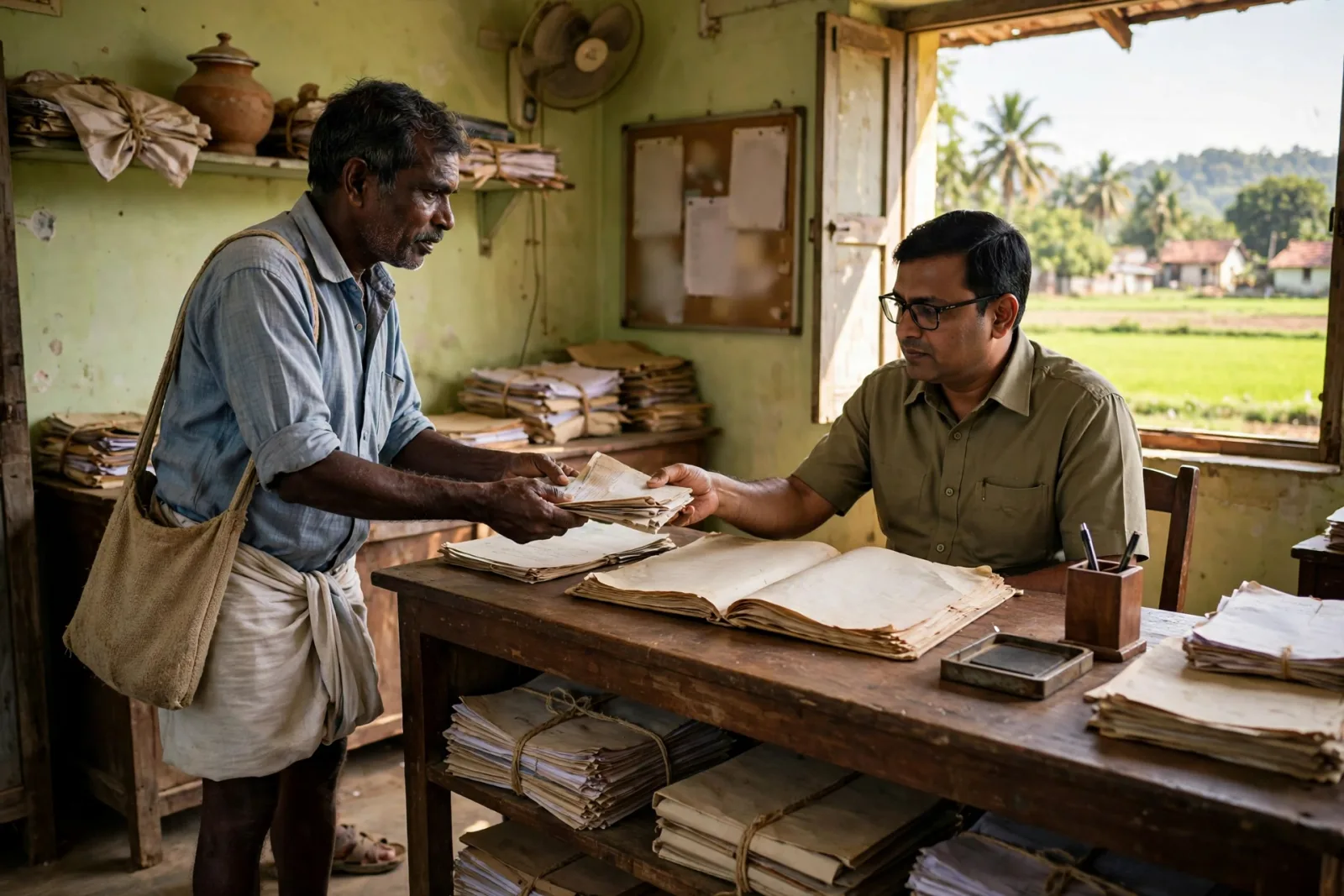
If your own papers do not have the number, the village office is the next door to knock on. The village accountant keeps the village land records, and the local Bhoomi Kendra or taluk revenue office can look a record up from the owner's name and the village, then tell you the survey number it sits under. Take whatever you do have with you — the owner's name, the village name, and any old paper that mentions the land — because the more you can give them, the faster they can find it. This is also the right place for older records: for ancestral or long-held family land, the online portal may not have full history for every village, and the office can pull archived records manually.
Use the village map and the neighbours
Another way to pin the number down is to find the plot on the ground first. If you know where the plot is — which field, next to whose land, near which road or landmark — the village map shows the survey numbers around it, and the numbers next to your plot narrow yours down fast. Neighbouring owners usually know their own survey numbers, and a number one step away from a known neighbour is a strong lead. Once you have a candidate number, open the RTC for it and check the extent and the owner name: if both match your papers, you have found your record.
Once you have the number, open the record
With the survey number in hand, the lookup is straightforward: district, taluk, hobli, village, then the survey number, with surnoc and hissa where the plot is divided. The record that opens shows the owner name, the extent, the kharab portion, the survey number with its hissa and surnoc, and any restriction on the land. Read it carefully against your papers before you trust it. One thing to expect: RTCs are generated mainly in Kannada, since that is the language of the original records, so names and village details usually show in Kannada script by default, even if the portal interface is set to English. RTC services are also available on mobile, so you can check the record while standing at the plot itself.
If the record still does not come up
A missing record on screen does not always mean the record does not exist. First, double-check the number itself — one wrong digit opens the wrong record or none at all. If the number is right and the record is still missing, your local Bhoomi Kendra or taluk revenue office is usually the fastest fix, and they can pull archived records manually. Go there with your old papers in hand instead of retrying the same online search.
One more limit to know before you search: Bhoomi only covers agricultural, rural, and unconverted revenue land. If a plot has gone through DC conversion and now sits within municipal limits, its records have moved to e-Aasthi or the local Khata system, not Bhoomi — searching the Bhoomi portal for such a plot will always come back empty, no matter how correct your survey number is.
The survey number is the key, not the search itself. Find it in your papers, ask the village office, or pin it down from the map and the neighbours — then open the record and read it against your papers, first on rtc bhoomi online, before you pay anything or sign anything.